
Supercharge your coding agent
One MCP. Plug into Cursor, Claude Code, or any agent. Faster edits, smarter retrieval, and better context.
One command to install
$ npx -y @morphllm/morph-setup --morph-api-key YOUR_API_KEYCreate an account to get your API key pre-filled
Works with:Claude CodeCursorWindsurfCodexAmpOpenCodeAntigravity
Scroll for more options
Or configure manually
claude mcp add morph-mcp --scope user -e MORPH_API_KEY=your-api-key-here -e ENABLED_TOOLS=edit_file,warpgrep_codebase_search -- npx -y @morphllm/morphmcp && mkdir -p ~/.claude && echo "Fast Apply: IMPORTANT: Use \`edit_file\` over \`str_replace\` or full file writes. It works with partial code snippets—no need for full file content.

Warp Grep: warp-grep is a subagent that takes in a search string and tries to find relevant context. Best practice is to use it at the beginning of codebase explorations to fast track finding relevant files/lines. Do not use it to pin point keywords, but use it for broader semantic queries. \"Find the XYZ flow\", \"How does XYZ work\", \"Where is XYZ handled?\", \"Where is <error message> coming from?\"" >> ~/.claude/CLAUDE.md
Installs MCP and configures your agent to prefer Morph tools
Powered by three specialized models
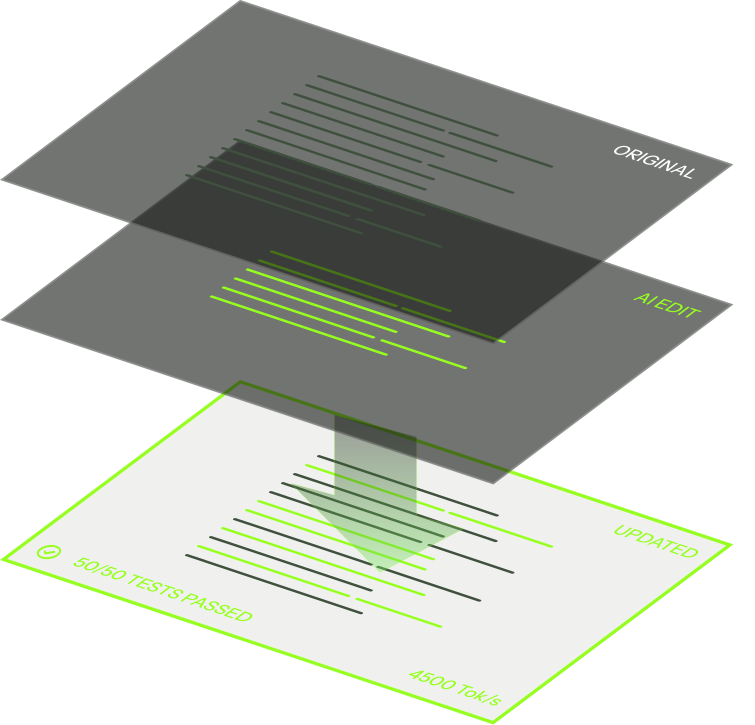
Lightning-fast code merging
Apply AI-generated edits at 10,500+ tokens per second. No waiting, no lag—just instant code updates that keep your flow uninterrupted.
5x faster context subagent
Sub-agent built for grepping that finds the right code without polluting context. Precision retrieval at lightning speed.